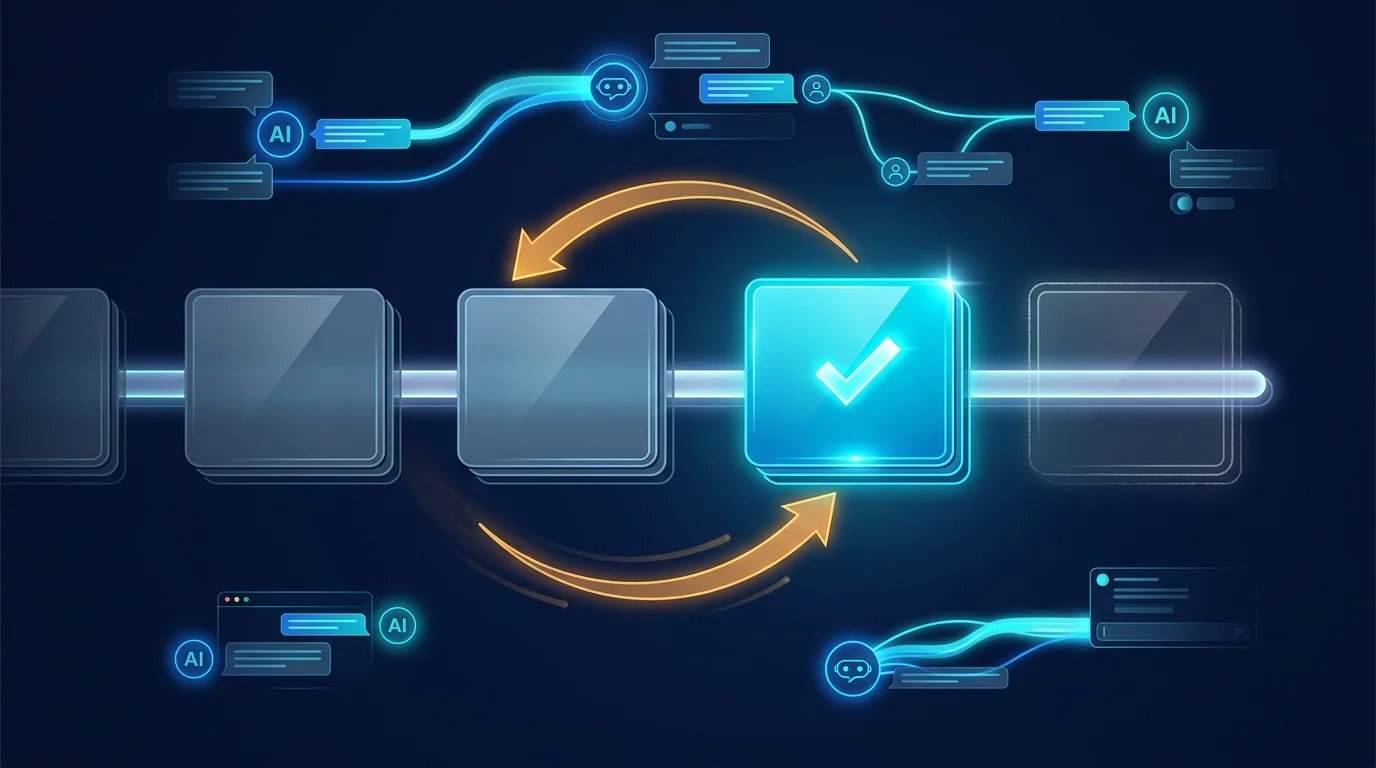
The tightest loop in agent development is: change the prompt, send a message, read the answer, repeat. Botlit makes that loop native — and makes every iteration auditable.
Open chat against any agent and send a message. Behind the scenes, Botlit resolves the agent's model binding to a provider, resolves that provider's vaulted credentials, and calls the LLM. Nothing is mocked: the reply you read in the test chat went through the same execution path your production traffic will.
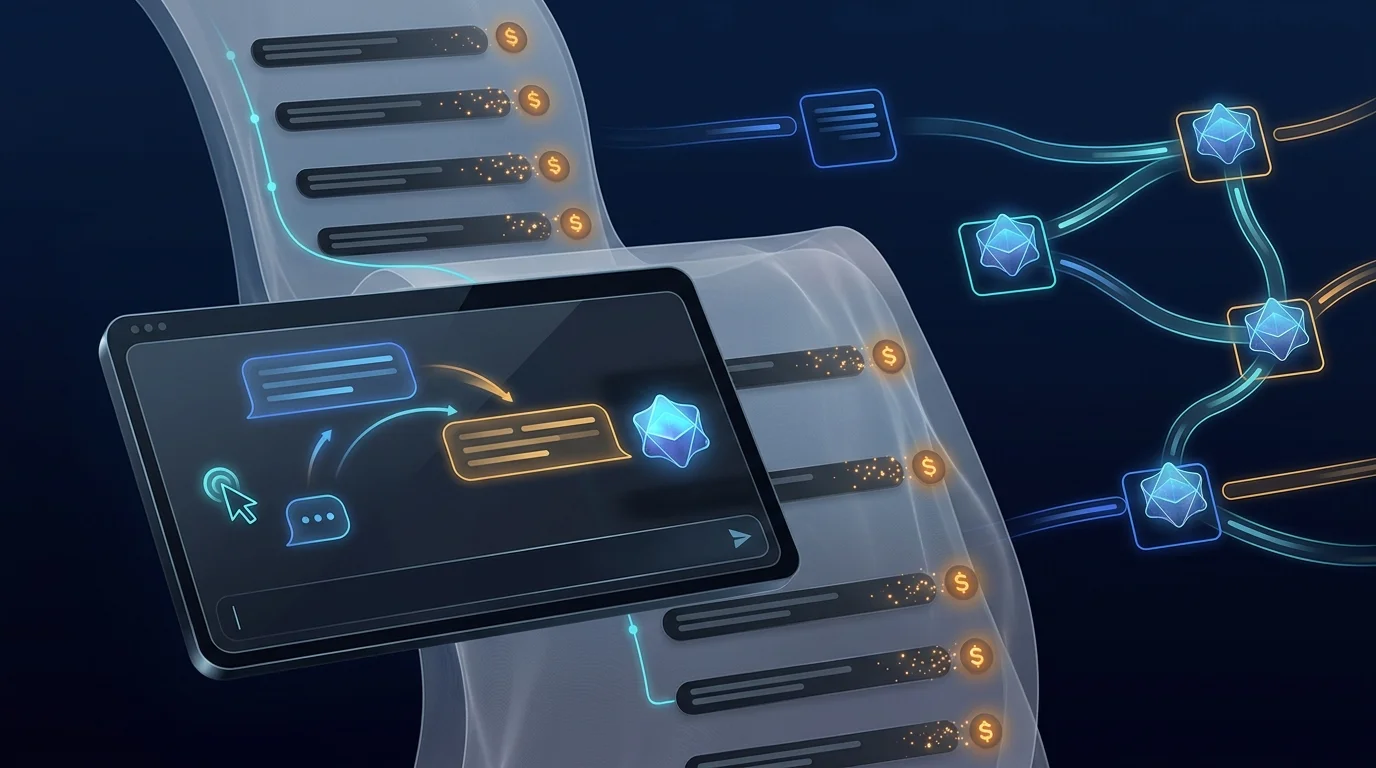
Every send produces an execution record — status, input, output, and metrics including input/output token counts and cost. Both sides of the exchange are stored in the platform conversations service. When an answer surprises you, you do not guess: you open the execution, see exactly which model ran with what input, and what it cost.
This is what makes prompt iteration honest. Pair the chat loop with prompt templates — versionable prompts with variable placeholders — and you can render a candidate prompt, bind it to the agent, chat-test it, and compare execution metrics across iterations before publishing a new agent version.
Credential resolution is layered for real-world setups: a workflow-injected key, a workspace integration connection, or a stored provider credential — whichever your configuration provides. The test chat is single-turn today (system prompt plus the current message), with conversation-history replay in the runtime roadmap; threads are already persisted, so the history is there waiting.
Illustrative route map only — it is not evidence that this use case has been executed or verified in production.
Illustrative route map
Chat-test any agent so each message resolves credentials, calls the real model, and writes an execution record — then open that record to see exactly which model ran, with what tokens and cost.
- 1
From the Botlit sidebar open Chat and pick the agent you want to test.
You should see: A chat surface opens bound to your chosen agent, ready for a message.
- 2
- 3
- 4
- 5
- 6
Ready to make this your story?