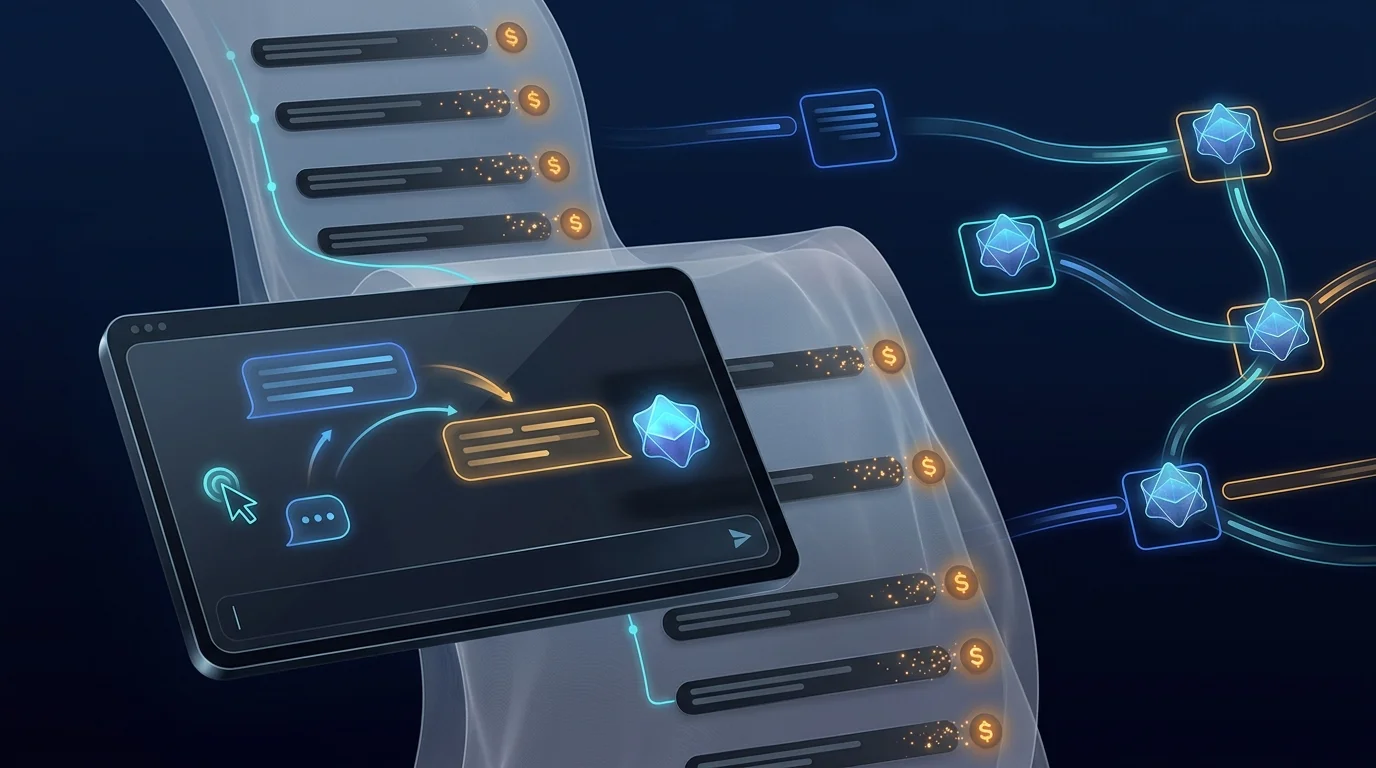
A single agent answering a single message is the start, not the shape, of real automation. The work that matters strings steps together: fetch a record, call a model, branch on the result, write it back, notify a human. Botlit does not make you leave for a separate tool to build that — the FluidGrids visual workflow builder is embedded directly in the app.
It is not a reskinned clone. Botlit mounts the very same FluidGrids engine used across the Burdenoff platform, so the canvas you build on, the node library you draw from, and the run history you inspect are the production article. You open Workflows, click Create Workflow, and land in a full visual builder on a fresh, versioned canvas.
From there it is drag, connect, configure: add nodes, wire them into the sequence you want, and set each step's behaviour. Save and the workflow is versioned — the same publish-and-roll-back discipline Botlit applies to agents applies to the automations that orchestrate them. Run it, then open the run to see the execution broken down step by step, each with its own status and output, so a failure points at the exact node rather than a wall of logs.
The bridge to agents is deliberate. Workflow credential adapters can inject your workspace's LLM keys into an agent execution, so an automation step can drive a Botlit agent using the providers you already vaulted — no keys pasted into a flow, no second credential store.
The honest line on maturity: building, versioning, and running workflows works today; the depth of using workflows to drive your agents' live, grounded answers grows alongside the agent runtime upgrade (in-loop retrieval and tool-calling). What you get now is a real orchestration surface, already wired into the same identity, credential, and audit model as the rest of Botlit.
Do it yourself
Compose a multi-step automation visually with the FluidGrids builder embedded directly in Botlit, save a version, run it, and inspect each step’s result — without leaving the app.
From the Botlit sidebar open Workflows to see your saved workflows.
You should see: The Workflows list loads with a Create Workflow button; an empty workspace prompts you to create your first workflow.
Ready to make this your story?