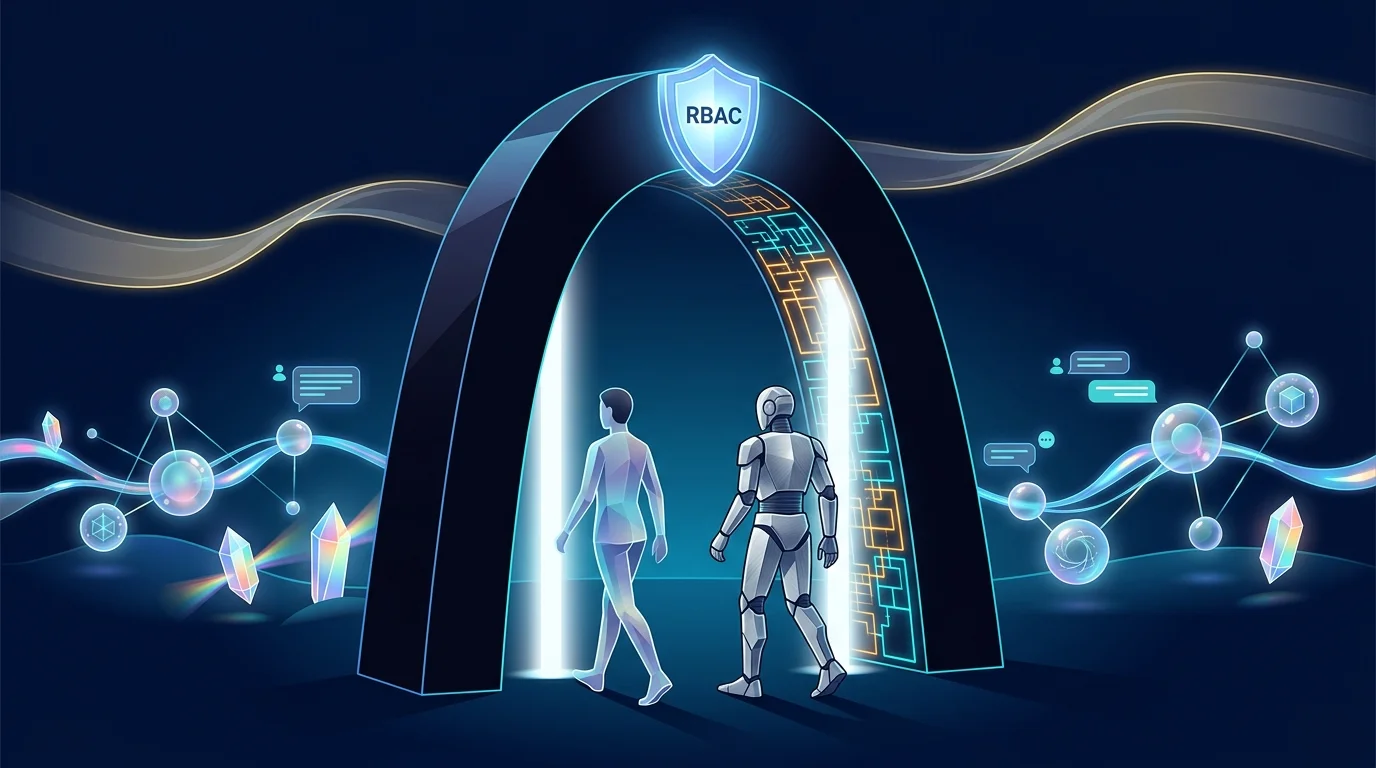
Most products bolt access control on after the API is designed. Botlit inherits a platform where it is structural: every API operation — every query, every mutation — carries an RBAC rule, and the platform enforces it before any operation runs.
The model is identity-based. Users, applications, and automated services all carry explicit identities, and authentication is handled centrally, so there is no per-feature auth code to get subtly wrong. What a support agent can read, what a builder can publish, what an admin can delete — all of it is declared per operation and enforced in one place.
Workspaces are the tenancy walls. Every Botlit entity — bots, agents, knowledge bases, conversations, executions, provider credentials — is scoped to a workspace, so multi-team and multi-client setups are isolated by construction. Activity audit comes with the platform, recording who did what across the workspace.
Machine access is governed, not exceptional. A machine credential is issued to software — a CI pipeline that installs store packages, a product backend that calls the chat API — and it passes through exactly the same RBAC as a person. No master API key, no bypass lane; revoking a pipeline's access is the same operation as revoking a person's.
For an IT admin evaluating agent platforms, this is the difference that compounds: the AI surface is inside the same identity, permission, and audit model as everything else the company runs — which is what "enterprise-ready" is supposed to mean.
Illustrative route map only — it is not evidence that this use case has been executed or verified in production.
Illustrative route map
Put Botlit's surface inside your organisation's identity model: define a role, assign it, verify a permission with the same access-control engine that governs every request, and mint a governed machine credential for pipeline access.
- 1
From the sidebar open Permissions to land on the RBAC dashboard.
You should see: You see an overview of roles, assignments, and recent permission activity across your workspace.
- 2
- 3
- 4
- 5
- 6
- 7
Ready to make this your story?