Flight Disruption Passenger Message Desk
Passenger questions during delays answered from the current disruption notice and live flight status, with the rest handed to the desk.
These images are illustrations of the concept, not screenshots of the actual product.
Overview
At an airport, a weather hold or an apron closure turns the web chat and messaging channels into a queue of the same few questions: is my flight canceled, can I still drop my bag, where is my airline's desk, how do I leave the parking garage late at night. Every answer has to match what the duty manager has just announced. This Botlit concept shows a passenger message desk for irregular operations, where an agent is designed to answer those questions from the current disruption notice and live flight status and hand the rest to the right desk.
The illustration opens the Passenger Inbox of an airport help agent at a sample airport, with Web chat and Messaging badges and a red banner announcing an active disruption: the apron closed for lightning. Filter chips count all conversations, those answered by the agent, those needing staff and those sent to the airline. The conversation list shows each sample passenger's question and a status tag: a cancellation question, a bag drop question and a late-night parking question are answered, a wheelchair request at a gate is escalated to the assistance desk, and a missed-connection rebooking question is sent to the airline.
In the open conversation, a passenger asks whether their evening flight is canceled because the board says delayed. The agent replies that it is delayed, not canceled, gives a new estimated departure time and the boarding gate, and says the airline handles rebooking and refunds at its desk. Two numbered citations sit under the reply: a timed disruption notice and the live flight status. A Handoff Rules card lists where the agent is designed to send what it should not answer: assistance requests to the assistance desk; rebooking, refund and compensation to the airline desk; delayed bags to baggage services; and anything without a matching source to the information desk.
Two other Burdenoff products appear in the design. A Live status from BigConsole card, labeled as the disruption console, counts flights holding, diverted and with gate changes; the agent is designed to read live flight status from that console and cite it. A Knowledge bases card shows disruption notices updated by FluidGrids, beside a terminal guide and a parking and transport base, both marked ready. The intent is that a notice the duty manager publishes reaches the agent's knowledge base through a FluidGrids workflow, so the agent and the staff on shift work from the same words. The concept is aimed at airport information desk and customer service teams, duty managers and passenger assistance staff.
What this concept shows
- A passenger inbox across web chat and messaging, with a banner that marks an active disruption
- Filter chips counting all conversations, agent answers, those needing staff and those sent to the airline
- Status tags per conversation: answered, escalated to the assistance desk, or sent to the airline
- An answer that separates delayed from canceled and cites the disruption notice and live flight status
- Handoff rules for assistance requests, rebooking, refunds and compensation, delayed bags and unmatched questions
- A BigConsole disruption console card counting flights holding, diverted and with gate changes
- Disruption notices designed to reach the knowledge base through a FluidGrids workflow, beside a terminal guide and parking and transport content
How it works
- The duty manager publishes a disruption notice, and a FluidGrids workflow is designed to update the agent's disruption notices knowledge base.
- Passengers write in on the airport's web chat or messaging channels, and each conversation appears in the passenger inbox under the active disruption banner.
- The agent is designed to answer flight status, bag drop, terminal and parking questions from the notice, the terminal guide, the parking and transport content and live flight status read from BigConsole, citing each source.
- Handoff rules send assistance requests to the assistance desk, rebooking, refund and compensation questions to the airline desk, delayed bags to baggage services and unmatched questions to the information desk.
- Staff filter the inbox to the conversations that need a person and pick them up from the list.
Who it's for
- Airport information desk and customer service teams
- Terminal duty managers
- Passenger assistance teams
- Airport passenger experience leads
Illustrations
1 illustration of this concept. Select one to view it full size.
Passenger Inbox During an Apron Closure
This desktop illustration shows the Passenger Inbox of an airport help agent at a sample airport in Botlit, with Web chat and Messaging badges. A red banner marks an active disruption: the apron closed for lightning. Filter chips count all conversations, those answered by the agent, those needing staff and those sent to the airline. Five sample passenger questions carry status tags: three answered, a wheelchair request escalated to the assistance desk and a rebooking question sent to the airline. In the open conversation a passenger asks whether a flight is canceled; the agent says it is delayed, gives a new estimated departure and gate, points rebooking and refunds to the airline's desk, and cites a disruption notice and live flight status. On the right, Handoff Rules map four cases to desks and services, a BigConsole disruption console card counts flights holding, diverted and with gate changes, and Knowledge bases lists disruption notices updated by FluidGrids plus terminal and parking bases marked ready.
Topics
- airport passenger chatbot
- flight disruption messaging
- irregular operations passenger communication
- flight delay questions
- airport web chat assistant
- airport information desk automation
- disruption notice knowledge base
- live flight status answers
- passenger assistance handoff
- airport customer service AI agent
Related concepts
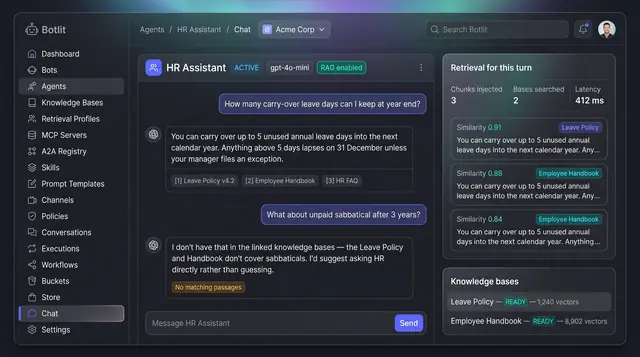
Grounded Answers with Cited Sources
Agents answer from your own knowledge bases, show the passages they used, and say so plainly when nothing matches.
1 illustration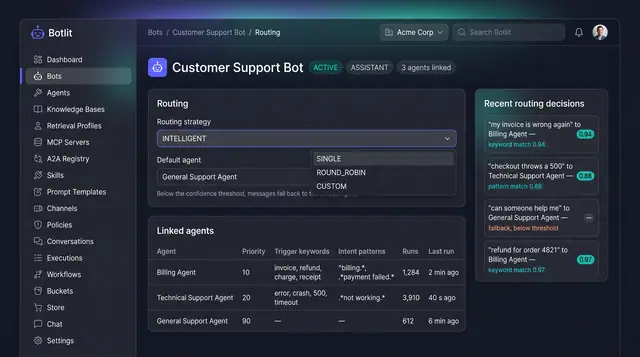
Intelligent Routing and Agent Delegation
A bot sends each message to the right specialist agent, and agents hand work to one another inside trust and depth limits.
2 illustrations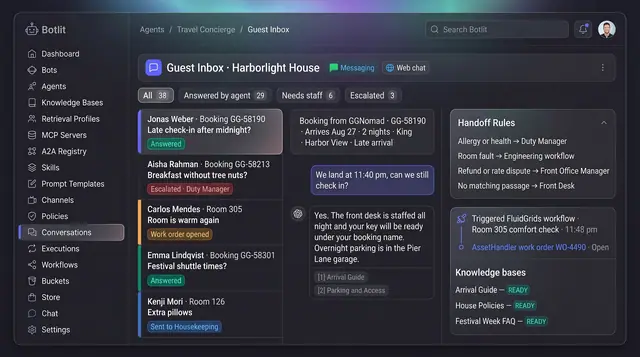
Hotel Guest Message Concierge
An agent on each property's WhatsApp and web chat that answers from approved guest content and routes what needs a person.
1 illustration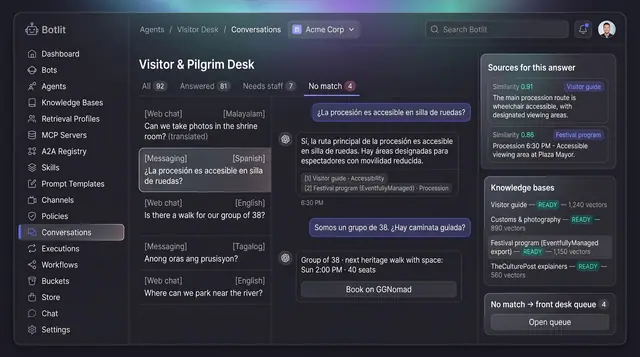
Pilgrim and Visitor Question Desk
A multilingual assistant for visitor and pilgrim questions that answers from approved sources and hands the rest to staff.
1 illustration
Part of an industry solution
This concept appears in a cross-product solution on burdenoff.com — see how it works alongside other Burdenoff products to solve a problem in that industry.