Intelligent Routing and Agent Delegation
A bot sends each message to the right specialist agent, and agents hand work to one another inside trust and depth limits.
These images are illustrations of the concept, not screenshots of the actual product.
Overview
This Botlit concept covers how a single user-facing bot spreads work across a team of specialist agents, and what happens when one of those agents needs another to finish the job. Two illustrations carry the two halves of the idea: the routing configuration on a sample Customer Support Bot, and the agent-to-agent registry with a trace of one delegation chain.
One general-purpose agent that handles everything tends to be mediocre at all of it, while a set of specialists is only useful if messages reach the right one and hand-offs stay under control. The routing page addresses the first problem. A routing card offers a strategy selector, shown set to an intelligent strategy with an open menu listing single, round-robin and custom alternatives, alongside a default agent that catches anything falling below the confidence threshold. A linked agents table lists each agent with its priority, trigger keywords, intent patterns, run count and last run time, so the rules that decide routing sit in one readable place. A side panel of recent routing decisions lists sample messages with the agent each one reached, a confidence score where one applies, and whether the match came from a keyword, a pattern or a fallback below the threshold.
The second illustration addresses hand-offs. An agent-to-agent view lists connections between agents as a table of source, target, direction, trust level, status and delegation count, with sample trust levels of internal, verified publisher and unverified. One sample row shows an inbound connection from a partner triage agent marked as blocked by policy with no delegations, which makes the point that a connection existing is not the same as a connection being allowed.
Alongside it, a delegation trace follows one message down an indented chain of depths: a general agent receives a disputed invoice and passes it to a billing agent, which resolves the invoice but needs refund authority, so it hands the work to a refunds agent that approves a sample refund. The final step, an attempt by the refunds agent to hand the work back to the billing agent, is shown rejected because a cycle was detected, and a footer records the depth limit, the number of delegations, total tokens and elapsed time. Both screens sit in the same workspace navigation as Policies and Executions, and the execution ledger concept lists agent-to-agent runs beside chat, channel and workflow runs.
What this concept shows
- A routing strategy selector with intelligent, single, round-robin and custom options
- A default agent that receives any message falling below the confidence threshold
- A linked agents table with priority, trigger keywords, intent patterns, runs and last run
- A recent routing decisions panel showing the agent chosen, the match type and a confidence score where one applies
- An agent-to-agent connections table with direction, trust level, status and delegation count
- A connection blocked by policy, listed but carrying no delegations
- A depth-indexed delegation trace with a rejected step where a cycle was detected
- A trace footer summarizing the depth limit, delegation count, total tokens and elapsed time
How it works
- Open a bot and go to its routing view, where the header confirms its status, type and how many agents are linked.
- Choose a routing strategy and pick the default agent that will take messages scoring below the confidence threshold.
- Review each linked agent's priority, trigger keywords and intent patterns in the agents table.
- Check the recent decisions panel to see which agent each sample message reached and whether it matched or fell back.
- Move to the agent-to-agent view to review connections between agents, their direction, trust level and status.
- Open a delegation trace to follow one message through each depth and see where a hand-off was rejected and why.
Who it's for
- Support leaders running several specialist assistants behind one bot
- Automation engineers who configure routing rules
- Workspace admins who approve connections between agents
- Platform architects designing multi-agent hand-offs
Illustrations
2 illustrations of this concept. Select one to view it full size.
Routing strategy and linked agents on a support bot
This desktop illustration shows the routing view for a sample customer support bot, reached from the Bots section, with the bot's name, an active status, an assistant type badge and a count of linked agents in the header. A routing card holds a strategy selector currently set to an intelligent strategy, with an open menu offering single, round-robin and custom options, plus a default agent field and a note explaining that messages below the confidence threshold fall back to it. Below, a linked agents table lists three sample agents with columns for priority, trigger keywords, intent patterns, run count and last run, where the general agent carries no keywords or patterns. A side panel of recent routing decisions shows four sample messages, the agent each reached, and whether the match was by keyword, by pattern, or a fallback below the threshold, with a confidence score badged on every entry except the fallback, which shows a dash.
Agent-to-agent connections with a delegation trace
This desktop illustration shows an agent-to-agent view in the A2A Registry section, with connections, registry entries and messages tabs and a new-connection button. The connections table lists four sample pairings with source agent, target agent, direction, trust level, status and delegation count. Two outbound links from the general support agent are internal and active, with sample delegation counts in the hundreds; an active link from the billing agent to a refunds agent carries a verified-publisher trust level; and an inbound link from a partner triage agent is unverified and blocked by policy with zero delegations. A delegation trace panel for one sample message follows an indented chain by depth: a general agent takes a disputed invoice, a billing agent resolves it but needs refund authority, a refunds agent approves a sample refund, and a dimmed fourth step handing work back to the billing agent is rejected because a cycle was detected. A footer records the depth limit, delegation count, total tokens and elapsed time.
Topics
- multi-agent orchestration
- intelligent message routing
- agent to agent delegation
- routing strategy configuration
- confidence threshold fallback
- agent trust levels
- delegation depth limit
- support bot triage
- intent pattern matching
- delegation trace
Related concepts
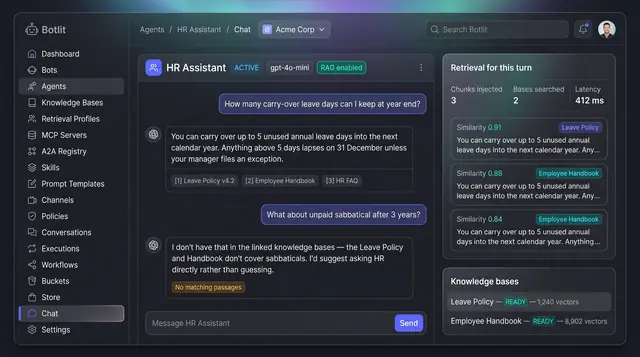
Grounded Answers with Cited Sources
Agents answer from your own knowledge bases, show the passages they used, and say so plainly when nothing matches.
1 illustration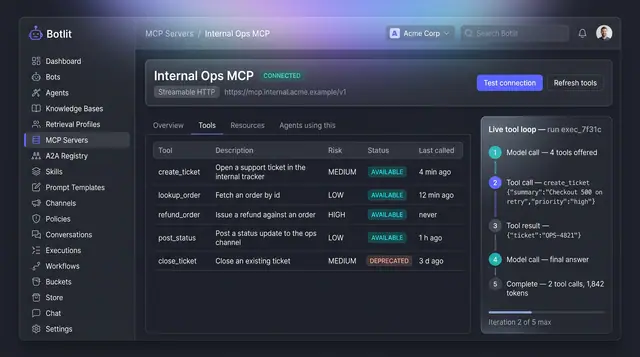
MCP Tool Servers and Live Tool Loop
A connected tool server lists every tool it exposes with a risk level, beside a step-by-step trace of one agent's tool calls.
1 illustration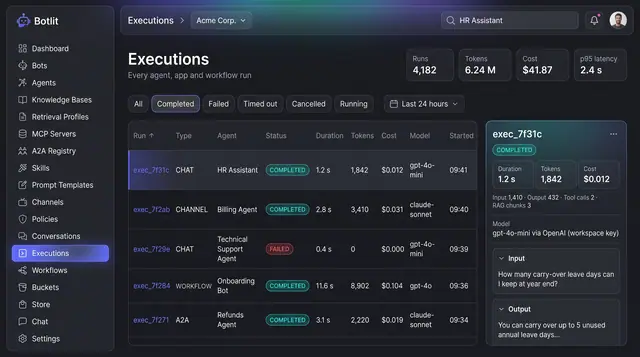
Execution Ledger and Run Costs
Every agent, channel and workflow run recorded with its status, duration, tokens, cost and the model that produced it.
1 illustration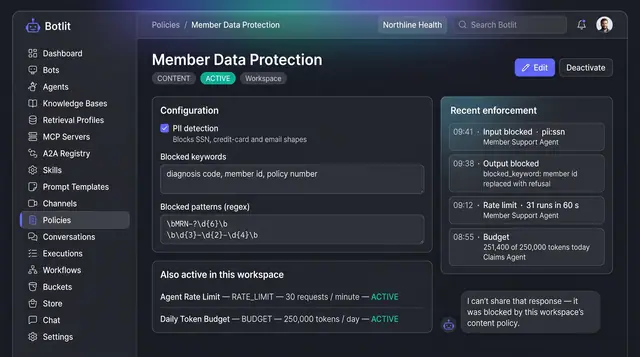
Content Policies and Guardrails
Workspace policies that block unsafe input and output, cap request rate and token spend, and list recent enforcement events.
1 illustration