Senior Living Family Contact Register
Who may ask about which resident or client, who approved them and how they signed in, with answers scoped to that one relative.
These images are illustrations of the concept, not screenshots of the actual product.
Overview
In senior living communities and home-care agencies, families ask the same practical questions every day: did the visit happen, what is on the menu, when does the ride to an appointment leave. Answering on web chat or messaging only helps if the desk knows who is asking and which resident or client that person may ask about. This Botlit concept shows the register behind a family question desk: each approved contact, the relative they may ask about, who approved them and whether they have signed in with their own account.
The illustration opens the Approved contacts page of a sample family desk bot, with badges for active, web chat and messaging, and sign-in required. An Approved family contacts table, with a search box and an Add contact button, lists each contact's relationship, the relative they ask about and whether that relative lives in a sample community or receives home care, who approved them, their channel, their identity check and a status. Four sample contacts are signed in and active, and one of them was approved by an authorized representative rather than the resident. Another has an invite sent and is pending, and an unknown messaging number that asked about a specific person is not verified and limited to general answers only. Tiles along the foot count approved contacts, contacts awaiting sign-in and hand-offs to the care team this week.
With a contact selected, a side panel shows the relative, who approved the contact and when, the topics they may ask about (here visits, menus and activities) and that health questions go to the care coordinator. A Revoke contact button beneath is designed to let staff withdraw access at any time. An Answer preview shows a family member asking whether Mom's visit happened today; the reply says who visited, the visit window and what the visit included, and cites a CrewFoundry visit record. Other recent answers include a dentist ride time cited to a MoveTheWheels ride.
Two other Burdenoff products appear in the design. The desk is designed to reach CrewFoundry visit records and the MoveTheWheels trip schedule through read-only tools, to answer a signed-in contact only about their own relative, and to cite the record behind each answer. Chats that are not verified get only general community information. Health and care questions follow the desk's hand-off to the care coordinator and appear on this page only as a count, so the register stays about who may ask rather than about care itself. The concept is aimed at community and agency administrators, family liaison staff, care coordinators and home-care office teams.
What this concept shows
- A register of approved family contacts with relationship, relative, approver, channel, identity check and status
- Relatives shown as living in a community or receiving home care
- Approval recorded from the resident or client, or from an authorized representative
- Pending invites, and unverified numbers limited to general answers only
- A contact panel listing the topics each contact may ask about, with health questions sent to the care coordinator
- A Revoke contact action designed to let staff withdraw access
- Answer previews cited to a CrewFoundry visit record and a MoveTheWheels ride
- Tiles for approved contacts, contacts awaiting sign-in and hand-offs to the care team this week
How it works
- Staff add a family contact, recording the relationship, the relative and whether the resident or client or an authorized representative approved them.
- The contact receives an invite and shows as pending until they sign in with their own account.
- A signed-in contact asks on web chat or messaging, and the desk is designed to answer only about their own relative, through read-only tools over CrewFoundry visit records and the MoveTheWheels trip schedule, citing each record.
- Unverified chats, such as an unknown messaging number, are designed to get general community information only.
- Health and care questions are handed to the care coordinator and counted on the register.
- Staff revoke a contact from the side panel when access should end.
Who it's for
- Senior living community administrators
- Home-care agency office teams
- Family liaison and resident services staff
- Care coordinators
Illustrations
1 illustration of this concept. Select one to view it full size.
Approved Family Contacts With an Answer Preview
This desktop illustration shows the Approved contacts page of a sample family desk bot in Botlit, with badges for active, web chat and messaging, and sign-in required. An Approved family contacts table with search and an Add contact button lists six sample rows by contact, relationship, relative, approved by, channels, identity check and status: four signed-in contacts are active, one with an invite sent is pending, and an unknown messaging number is not verified and limited to general answers only. Tiles below count approved contacts, contacts awaiting sign-in and hand-offs to the care team this week. A side panel for the selected contact shows the relative, the approver and date, the topics they may ask about and that health questions go to the care coordinator, above a Revoke contact button. An Answer preview shows a question about Mom's visit answered with the visit time and activities, citing a CrewFoundry visit, and a recent answer about a dentist ride cites a MoveTheWheels ride.
Topics
- senior living family communication
- home care family updates chatbot
- family contact verification
- authorized representative access
- assisted living family questions
- caregiver visit updates for families
- family question desk
- senior care messaging assistant
- home care visit confirmation
- resident transport ride times
Related concepts
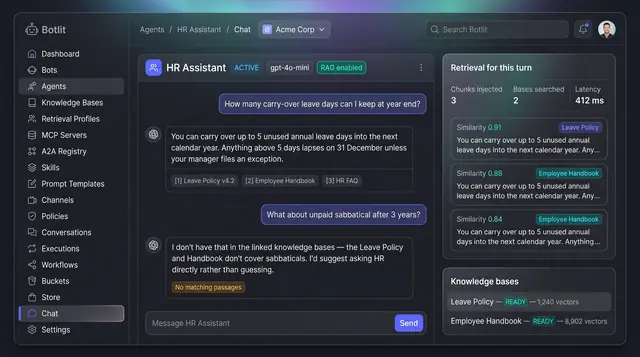
Grounded Answers with Cited Sources
Agents answer from your own knowledge bases, show the passages they used, and say so plainly when nothing matches.
1 illustration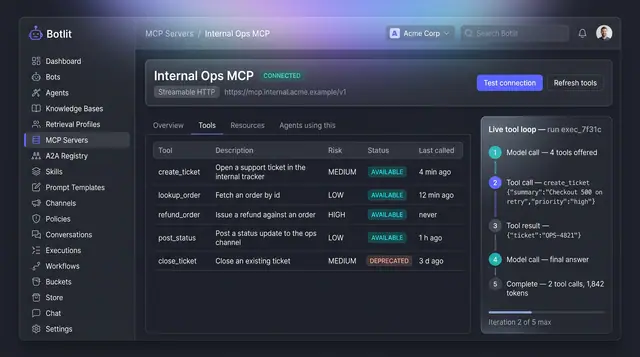
MCP Tool Servers and Live Tool Loop
A connected tool server lists every tool it exposes with a risk level, beside a step-by-step trace of one agent's tool calls.
1 illustration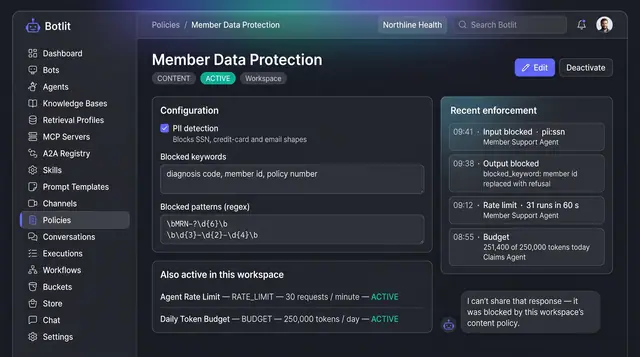
Content Policies and Guardrails
Workspace policies that block unsafe input and output, cap request rate and token spend, and list recent enforcement events.
1 illustration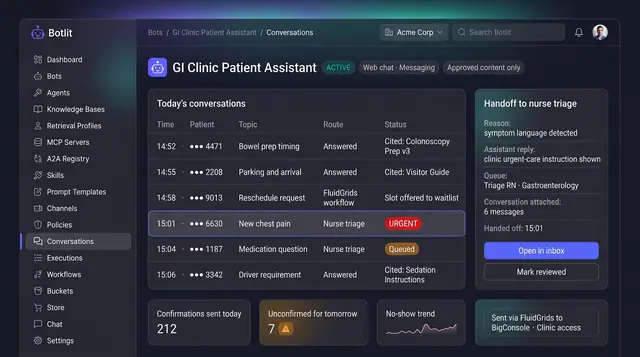
Patient Message Routing and Nurse Handoff
Patient questions answered from approved clinic instructions, and anything clinical handed to nurse triage with the conversation attached.
1 illustration
Part of an industry solution
This concept appears in a cross-product solution on burdenoff.com — see how it works alongside other Burdenoff products to solve a problem in that industry.