AI Operations Findings and Bot Drafting
An operations copilot that flags regressions across your bots and drafts a new one from a plain-language description.
These images are illustrations of the concept, not screenshots of the actual product.
Overview
AI operations is the Botlit concept for a copilot that watches a whole fleet of bots and agents, tells an operator what changed, and helps them build the next one. The illustration shows an operations view for a sample agency workspace, with its entry in the left navigation carrying a count badge that matches the number of findings, so waiting work shows in the navigation itself.
The problem is scale. A team running assistants for several clients cannot read every execution record, so regressions surface late, usually through a complaint. The findings feed inverts that. Each card states a finding in a short headline, carries a severity badge, and backs the claim with an evidence block written in numbers: a failure rate that climbed after a new version was published, with the baseline for comparison; an average cost per run that tripled over a day after a model change; a grounding problem where a large share of runs now retrieve nothing where few did before; and a knowledge base stuck indexing with none of its documents embedded. Every card also carries a specific recommendation, such as rolling back to the previous version, downshifting to a smaller model, lowering a similarity threshold or rebuilding an index, and a pair of accept and dismiss actions so each finding ends in an explicit decision. Filters above the feed narrow it by severity or by theme, covering cost, grounding and reliability.
The right side of the illustration handles creation rather than repair. A describe-a-bot panel takes a plain-language description, in the sample an assistant that answers policy questions from a handbook and escalates payroll issues to a person, and a draft action turns it into a proposed build. What comes back is a checklist rather than a finished bot: a bot app and two specialist agents in a draft state, a routing link between them, an existing knowledge base to attach, and a model already registered in the workspace, each with its own approve control.
The draft heading and a footer note make the same point: no drafted item is live or published until it is approved individually. That keeps the copilot advisory. Its findings use the vocabulary found elsewhere in the workspace, from versions, models and runs to retrieved chunks and knowledge base indexing, its draft reuses an existing knowledge base and a registered model, and the operator keeps the final decision.
What this concept shows
- A findings feed where each card states one finding with a severity badge
- Evidence blocks that quantify each change, most with a baseline or prior value for comparison
- Findings spanning reliability, cost, grounding quality and a stalled knowledge base index
- A concrete recommendation on every card, from a version rollback to an index rebuild
- Accept and dismiss actions so each finding ends in an explicit decision
- Filters by severity and by theme across cost, grounding and reliability
- A describe-a-bot panel that turns a plain-language description into a proposed build
- A draft checklist of bot, agents, routing, knowledge base and model, approved item by item
How it works
- Open the operations view, where the navigation badge shows how many findings are waiting.
- Filter the feed by severity or by theme to reach the cost, grounding or reliability items first.
- Read a finding's evidence block and any baseline it gives to judge how far behavior has drifted.
- Accept the recommendation or dismiss the finding, so each item ends in an explicit decision.
- Describe the bot you want in plain language in the side panel and ask for a draft.
- Review the proposed bot, agents, routing link, knowledge base and model in the draft checklist.
- Approve each item individually, since nothing is published until you do.
Who it's for
- Agencies running assistants for several clients at once
- AI operations and platform teams watching a fleet of bots
- Support leaders who need early warning of regressions
- Workspace admins standing up new assistants quickly
Illustrations
1 illustration of this concept. Select one to view it full size.
Operations findings beside a drafted bot awaiting approval
This desktop illustration shows an AI operations view for a sample agency workspace, with a count badge on its navigation entry and a top-bar preview button. Filter chips under a findings heading cover all and high-severity items with counts, plus cost, grounding and reliability. Four cards in a two-column grid, two marked high, one medium and one low, each give a headline finding, an evidence block with figures, a recommendation, and accept and dismiss buttons: a failure rate rising after a new version, a cost per run tripling after a model change, grounding decay where many runs retrieve nothing, and a knowledge base stuck indexing. On the right, a describe-a-bot panel holds a plain-language description and a draft button, and a draft marked not yet live lists a bot app, two agents, a routing link using the intelligent strategy, an existing knowledge base and a registered model, each with a checkbox and an approve button, above a note that nothing publishes until approved.
Topics
- AI operations copilot
- agent regression detection
- chatbot quality monitoring
- cost per run increase
- grounding quality alerts
- build a bot from a description
- draft bot approval workflow
- AI fleet management
- knowledge base indexing stuck
- model rollback recommendation
Related concepts
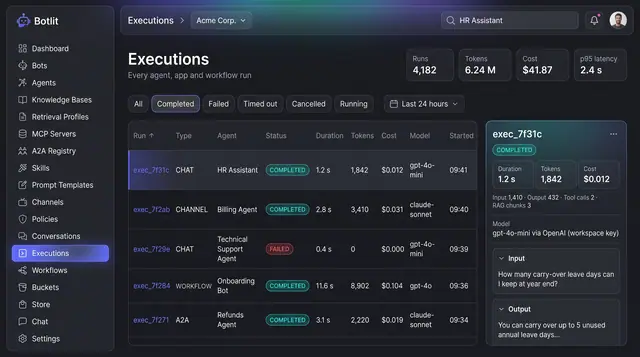
Execution Ledger and Run Costs
Every agent, channel and workflow run recorded with its status, duration, tokens, cost and the model that produced it.
1 illustration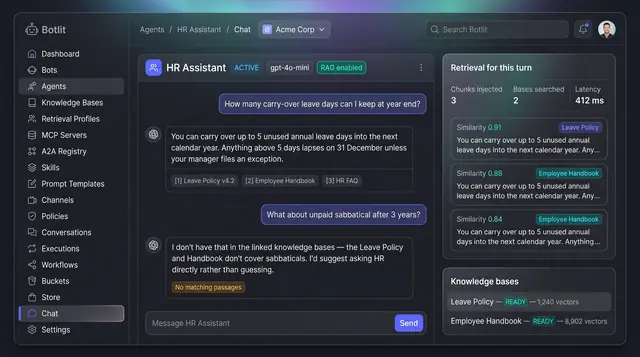
Grounded Answers with Cited Sources
Agents answer from your own knowledge bases, show the passages they used, and say so plainly when nothing matches.
1 illustration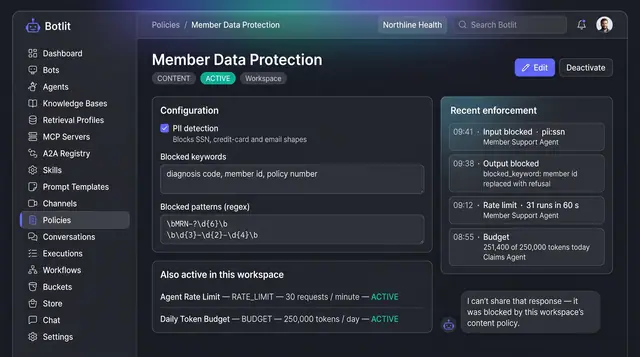
Content Policies and Guardrails
Workspace policies that block unsafe input and output, cap request rate and token spend, and list recent enforcement events.
1 illustration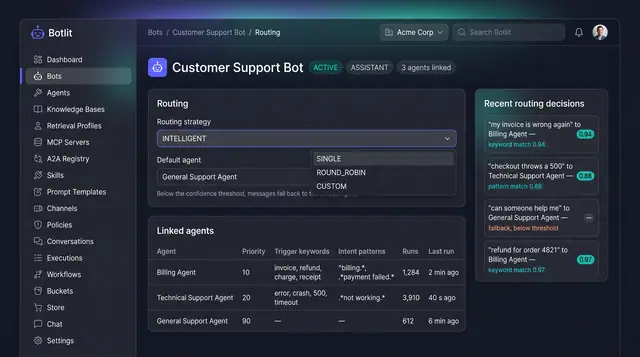
Intelligent Routing and Agent Delegation
A bot sends each message to the right specialist agent, and agents hand work to one another inside trust and depth limits.
2 illustrations