SDS and Technical Data Sheet Question Desk
Answer customer questions from approved technical and safety data sheets, and hand complaints to technical service with the lot number.
These images are illustrations of the concept, not screenshots of the actual product.
Overview
In a chemical company, technical service fields the same questions from distributors and industrial customers every day: pot life, recoat windows, storage, the current safety data sheet revision. The answers are already in approved technical data sheets and safety data sheets, but a reply from memory or an outdated sheet can spoil a job, and a complaint about a specific lot needs a chemist, not a chat reply. This Botlit concept shows a technical service agent, deployed on the messaging channels customers already use, that is designed to answer only from those approved documents and to hand everything else to a named person.
The illustration shows the Conversations view of a sample Technical Service Desk bot, with its agent badged active and tagged for messaging and for a distributor. A distributor relays two things in one message: a customer's panels, sprayed with a sample epoxy primer from one production lot, are peeling at the edges after 48 hours, and what is the recoat window at a low temperature. The agent answers the recoat question with a time range and cites the technical data sheet by revision and section. It then says the adhesion complaint has been passed to technical service with the lot number and photos and that a chemist will make contact that day, tagged as handed off to technical service with a case number. A reply-as-agent field lets staff step in.
A case card on the right carries the product, lot, symptom and owner, with links for lot history in ManufacturedOps and a retained sample re-test in LabsOfScience. An Answers only from card counts the current technical and safety data sheets and states that exposure or first aid questions go to a person along with the emergency number on the SDS. A Today strip counts questions answered, conversations handed to a person and complaints opened.
The design divides the work. Botlit answers routine questions with citations and opens the case, and the handoff is designed to reach technical service, who follow up with the lot's history in ManufacturedOps and a re-test of the retained sample in LabsOfScience. The agent is designed to leave complaints, formulation requests, questions outside the approved documents and anything about exposure or first aid to people, pointing exposure questions to the emergency number printed on the SDS. The concept is meant for technical service teams, product stewardship staff and the distributor support desks that relay customer questions.
What this concept shows
- Answers drawn only from approved technical and safety data sheets, cited by document, revision and section
- A combined question and complaint split into a cited answer and a handoff
- A complaint handed to technical service with the lot number and photos attached
- A case card with product, lot, symptom and owner
- Links for lot history in ManufacturedOps and a retained sample re-test in LabsOfScience
- A rule sending exposure or first aid questions to a person with the SDS emergency number
- Daily counts of questions answered, handoffs to a person and complaints opened
How it works
- A distributor or industrial customer messages the technical service line, and the agent picks up the conversation.
- Routine questions, such as a recoat window, are answered only from the approved data sheets, citing the document and section.
- A complaint, a formulation request or a question outside the documents is designed to be handed to a named person with the conversation attached.
- For a complaint, the case card records the product, lot, symptom and owner.
- Technical service is designed to follow up with lot history in ManufacturedOps and a retained sample re-test in LabsOfScience.
Who it's for
- Chemical technical service teams
- Product stewardship and regulatory staff
- Distributor and customer support desks
- Quality and complaint handling teams
Illustrations
1 illustration of this concept. Select one to view it full size.
Technical Service Conversation With a Complaint Case
This desktop illustration shows the Conversations view of a sample Technical Service Desk bot in Botlit, with its agent badged active and tagged for messaging and a distributor. A distributor reports that a customer's panels sprayed with a sample epoxy primer lot are peeling at the edges after 48 hours, and asks for the recoat window at a low temperature. The agent gives the recoat window and cites the technical data sheet by revision and section, then says the adhesion complaint has gone to technical service with the lot number and photos and a chemist will make contact that day, tagged as handed off with a case number. On the right, a case card lists product, lot, symptom and owner, with lot history linked to ManufacturedOps and a retained sample re-test linked to LabsOfScience. An Answers only from card counts current technical and safety data sheets and routes exposure or first aid to a person and the SDS emergency number, above today's counts.
Topics
- safety data sheet chatbot
- technical data sheet questions
- SDS question answering
- coatings technical service
- chemical customer support agent
- recoat window question
- lot number complaint handoff
- product complaint case
- distributor technical support
- retained sample retest
Related concepts
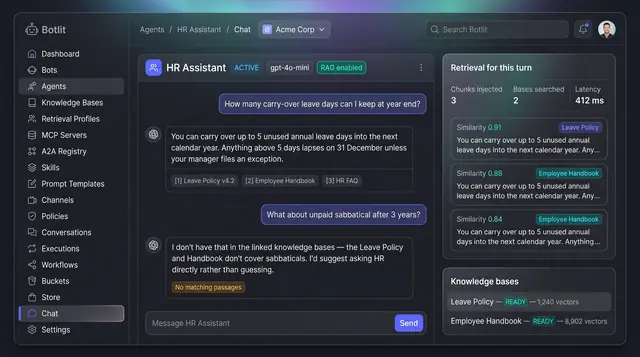
Grounded Answers with Cited Sources
Agents answer from your own knowledge bases, show the passages they used, and say so plainly when nothing matches.
1 illustration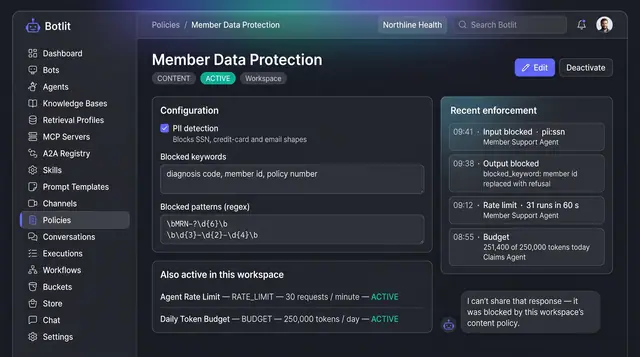
Content Policies and Guardrails
Workspace policies that block unsafe input and output, cap request rate and token spend, and list recent enforcement events.
1 illustration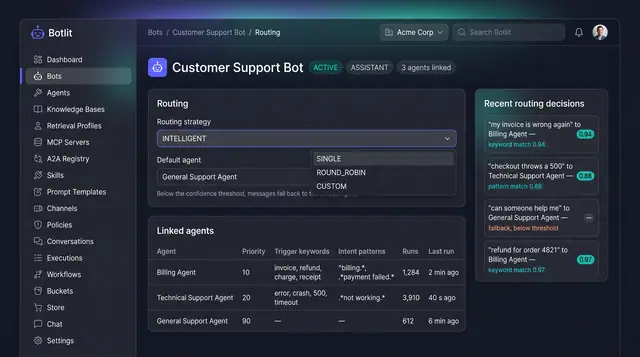
Intelligent Routing and Agent Delegation
A bot sends each message to the right specialist agent, and agents hand work to one another inside trust and depth limits.
2 illustrations
Part of an industry solution
This concept appears in a cross-product solution on burdenoff.com — see how it works alongside other Burdenoff products to solve a problem in that industry.