Student Services Answer Desk
Cited answers to registration, records and aid questions, clear handoff rules, and requests started as workflows with a named owner.
These images are illustrations of the concept, not screenshots of the actual product.
Overview
At a college or university, enrollment services, registrar and financial aid offices face their heaviest load in the weeks around registration, when many students ask about holds, deadlines, transcripts and aid at once. Many of these questions are answered in the catalog or a handbook, but some need a record check or an action that a chat reply cannot take. This Botlit concept shows a student services answer desk that answers from the institution's own knowledge bases, checks the student's record, and starts a workflow with a named owner when a question needs action.
The illustration shows the Conversations view of a sample Student Services Answer Desk bot, badged active and retrieval enabled. A narrow column carries tiles for questions answered, conversations handed to staff and questions with no matching passage, above a list of conversation topics: a registration hold, a withdrawal deadline, a transcript request, a financial aid appeal tagged as routed to staff, and a course overload.
In the selected conversation, a student says there is a hold on the account and registration opens Monday. The desk explains that it is an advising hold, released once the student meets an advisor for spring planning, which can be booked from the advising page, and cites the undergraduate catalog section on holds and the advising handbook. When the student asks the desk to release the hold, it says it cannot and that it has asked the advisor's office to review it, and a tag shows that a FluidGrids advising hold review workflow was started, with its run number.
The right-hand column shows where the context came from. A record check in BuildMyIQ shows the student's enrollment status, number of enrolled sections and cohort, and a hold status line notes the hold was received through a FluidGrids request. The design has the desk check BuildMyIQ under the student's own permissions, receive hold status from the registrar's system through FluidGrids, and start FluidGrids workflows such as an advising hold review or a transcript request, while Botlit handles the conversation. A Knowledge bases card lists the undergraduate catalog, financial aid handbook and registrar FAQ as ready, and a Handoff rules card sends aid appeals and personal concerns to staff and offers a person when no passage matches. Every conversation is designed to be recorded for review. The concept is aimed at enrollment services, registrar and financial aid staff, and the student success teams who work with them.
What this concept shows
- Tiles counting questions answered, handed to staff and left without a matching passage
- A topic list covering holds, deadlines, transcripts, aid appeals and course overloads
- Answers cited to the undergraduate catalog and advising handbook
- A BuildMyIQ record check showing enrollment status, enrolled sections and cohort
- A hold status line marked as received through a FluidGrids request
- A FluidGrids advising hold review workflow started from the conversation, with its run number
- Staff-defined handoff rules for aid appeals, personal concerns and unmatched questions
How it works
- A student asks a registration, records or aid question in the desk's chat.
- The desk is designed to check the student's enrollment and sections in BuildMyIQ under the student's own permissions, and to receive hold status through a FluidGrids request.
- It answers from the catalog, handbook or registrar FAQ, citing the passages it used.
- When the question needs action, such as releasing a hold, it is designed to start a FluidGrids workflow and tell the student who will review it.
- Aid appeals, personal concerns and unmatched questions follow the handoff rules to staff.
Who it's for
- Registrar and enrollment services staff
- Financial aid officers
- Academic advisors
- Student success teams
Illustrations
1 illustration of this concept. Select one to view it full size.
Registration Hold Conversation With a Record Check
This desktop illustration shows the Conversations view of a sample Student Services Answer Desk in Botlit, reached from Bots, with badges for an active status and retrieval enabled. A column beside the navigation shows tiles for questions answered, handed to staff and with no matching passage, above five conversation topics, one of them a financial aid appeal tagged as routed to staff. In the selected conversation, a student asks about a hold before registration; the desk explains the advising hold and how to book an advisor, citing the undergraduate catalog and advising handbook. Asked to release the hold, it declines, says the advisor's office will review it, and shows a tag for a started FluidGrids advising hold review run. A message field and Send button sit below. On the right, a context card shows a BuildMyIQ record check with enrollment status, sections and cohort plus hold status received via a FluidGrids request, followed by three ready knowledge bases and a list of handoff rules.
Topics
- student services chatbot
- registration hold help
- university registrar assistant
- financial aid questions AI
- higher education answer desk
- transcript request workflow
- advising hold review
- student record lookup
- registration week support
- cited answers for students
Related concepts
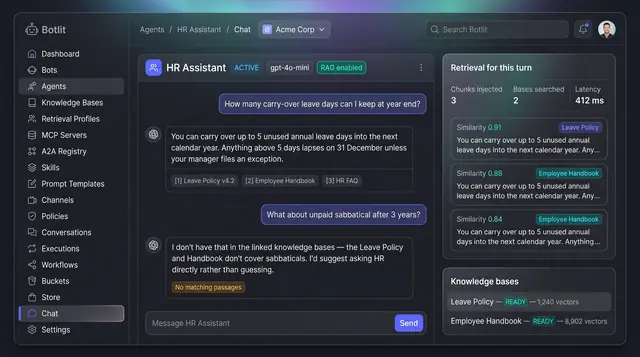
Grounded Answers with Cited Sources
Agents answer from your own knowledge bases, show the passages they used, and say so plainly when nothing matches.
1 illustration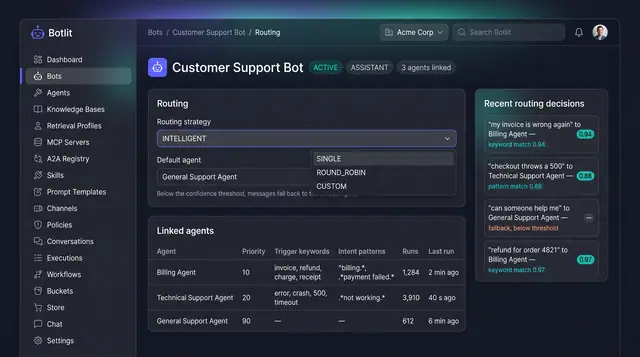
Intelligent Routing and Agent Delegation
A bot sends each message to the right specialist agent, and agents hand work to one another inside trust and depth limits.
2 illustrations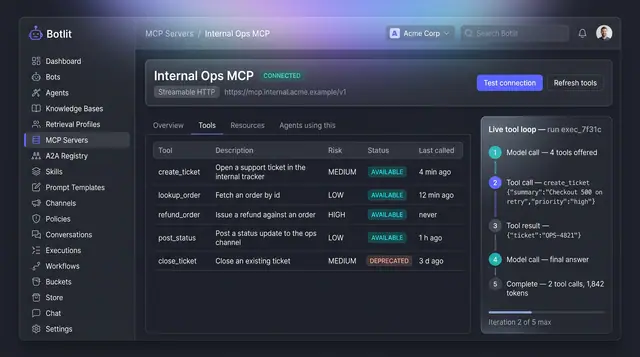
MCP Tool Servers and Live Tool Loop
A connected tool server lists every tool it exposes with a risk level, beside a step-by-step trace of one agent's tool calls.
1 illustration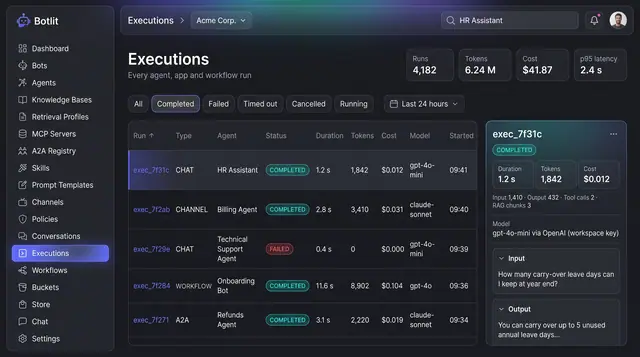
Execution Ledger and Run Costs
Every agent, channel and workflow run recorded with its status, duration, tokens, cost and the model that produced it.
1 illustration
Part of an industry solution
This concept appears in a cross-product solution on burdenoff.com — see how it works alongside other Burdenoff products to solve a problem in that industry.