In-Product Assistant Gap Review
After every release, see which in-app questions went unanswered, why, and the next step for each cluster.
These images are illustrations of the concept, not screenshots of the actual product.
Overview
For a software or SaaS company, every release changes what customers ask the in-app assistant, and the questions it cannot answer are the clearest signal of what the release moved, hid or left undocumented. Without a review, those gaps sit in conversation logs until they turn into support tickets. This Botlit concept shows a post-release review for an in-product assistant that groups the questions answered without a matching passage, or escalated, by release and product area, and names the likely cause of each group.
The illustration opens the review inside AI Operations for a sample agency workspace, with the navigation entry carrying a count badge. The page is titled for the in-app assistant and one release, with filters for all areas or a single area such as a dispatch board, billing or mobile, and a since-release window of three days. Four tiles count questions, answers with citations, questions with no matching passages and escalations.
An Unanswered clusters section turns those numbers into work. Each card has a severity badge, a representative question, a question count and product area, a likely cause or, on the low card, the route the questions took, and one action. A high-severity cluster asking where drag-to-reassign went is traced to release notes that were never indexed and offers to index the PlanMagnet release notes for that release. A medium cluster asking about offline routes is traced to a capability the product does not have, flagged as a possible duplicate of an existing feature request, with a Send to PlanMagnet button. Another medium cluster points to an outdated help page with a Suggest doc update button, and a low cluster about invoice totals was routed to a billing agent, with a Review answers button. A Knowledge sources panel shows the help center and API reference as ready and the PlanMagnet release notes for the release as not indexed, with a Rebuild index button.
The design connects the review to two other Burdenoff products. PlanMagnet is designed as the source of release notes and the destination for feature requests, with a duplicate check before a new request is sent. An Escalations via FluidGrids panel lists the tickets raised through a FluidGrids workflow, each with its sample customer, time and status, one of them retried before it was created. A note at the foot states that nothing changes until a person approves each step, so no index, help page or request moves on its own. The concept is designed for support leads, product managers and documentation owners.
What this concept shows
- Release and product-area filters with a since-release window
- Tiles for questions, cited answers, questions with no matching passage and escalations
- Unanswered clusters with severity, question count, product area and a likely cause or route
- One next step per cluster: index release notes, suggest a doc update, send to PlanMagnet or review answers
- A possible-duplicate flag on a cluster before it becomes a new PlanMagnet feature request
- A knowledge sources panel showing unindexed PlanMagnet release notes and a Rebuild index action
- An escalations list of tickets raised through a FluidGrids workflow, each with its status
- Approval required before any change reaches the knowledge base
How it works
- After a release, open the review in AI Operations and filter to the release window or one product area.
- Read the summary tiles to see how many questions went unanswered or were escalated.
- Work through the unanswered clusters from high to low severity, reading the likely cause or route of each.
- Choose the suggested next step, such as indexing the PlanMagnet release notes, suggesting a help page update or sending a feature request to PlanMagnet after the duplicate check.
- Check the knowledge sources panel for any source marked not indexed, and rebuild the index.
- Review the tickets raised through FluidGrids and their status.
Who it's for
- Support leads
- Product managers
- Documentation and help center owners
- Customer success managers
Illustrations
1 illustration of this concept. Select one to view it full size.
Release Gap Review for an In-App Assistant
This desktop illustration shows a release review in the AI Operations section of Botlit for a sample agency workspace, with a count badge on the navigation entry. Filters cover all areas, a dispatch board, billing and mobile, plus a since-release window. Four tiles count questions, answers with citations, questions with no matching passages and escalations. An Unanswered clusters grid holds four cards with high, medium and low badges, each naming a representative question, its count and area, a likely cause or route and an action: index the PlanMagnet notes for the release, send to PlanMagnet with a possible-duplicate tag, suggest a doc update, or review answers routed to a billing agent. On the right, Knowledge sources shows a help center and API reference as ready and the PlanMagnet release notes as not indexed, with a Rebuild index button, and Escalations via FluidGrids lists four sample tickets with times and statuses above a note that nothing changes until each step is approved.
Topics
- in-app assistant analytics
- unanswered question review
- post-release support review
- knowledge gap detection
- help center content gaps
- release notes indexing
- feature requests from support questions
- SaaS support chatbot
- AI assistant escalations
- documentation update suggestions
Related concepts
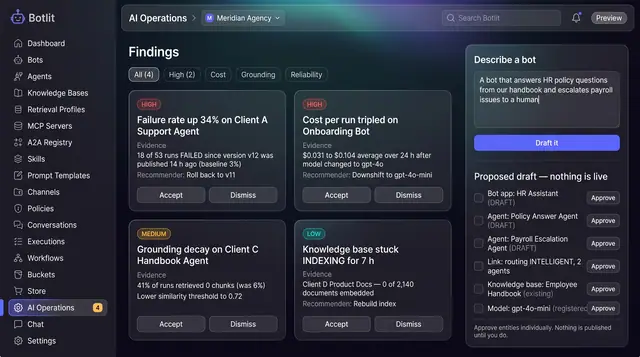
AI Operations Findings and Bot Drafting
An operations copilot that flags regressions across your bots and drafts a new one from a plain-language description.
1 illustration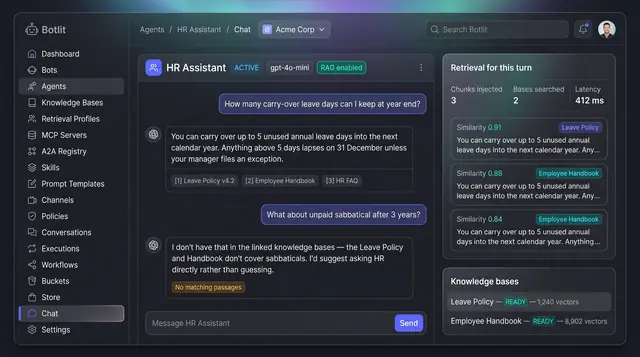
Grounded Answers with Cited Sources
Agents answer from your own knowledge bases, show the passages they used, and say so plainly when nothing matches.
1 illustration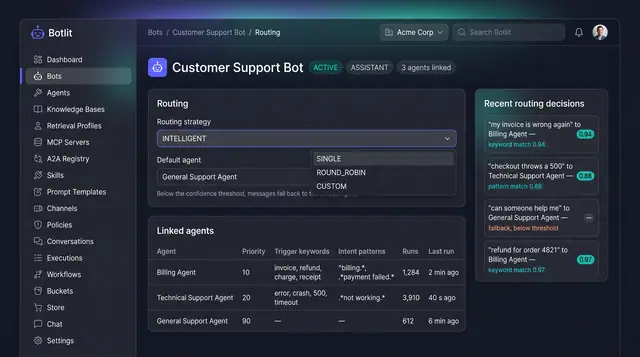
Intelligent Routing and Agent Delegation
A bot sends each message to the right specialist agent, and agents hand work to one another inside trust and depth limits.
2 illustrations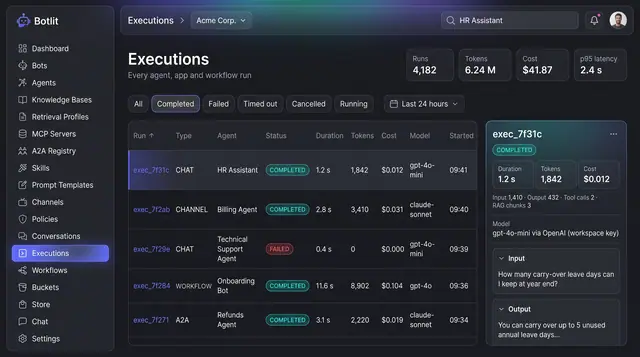
Execution Ledger and Run Costs
Every agent, channel and workflow run recorded with its status, duration, tokens, cost and the model that produced it.
1 illustration
Part of an industry solution
This concept appears in a cross-product solution on burdenoff.com — see how it works alongside other Burdenoff products to solve a problem in that industry.